
Last Updated: November 4, 2026
Quick Summary
A DJI Enterprise drone setup for agriculture starts with unpacking on flat, dry ground and checking every part, then charging batteries, updating firmware through the official DJI app, registering the aircraft and fitting propellers. Then plan each paddock flight on paper, marking boundaries, obstacles, height and wind before you launch.
- Charge all batteries fully before you start.
- Update firmware through the official DJI app, because an out-of-date aircraft can behave differently from the manual.
- Walk the paddock first and note fences, power lines, trees and water.
- Check the wind forecast and confirm the battery can finish with a safety margin.
- Clean the drone after each job, especially after spraying.
Table of Contents
- Getting Your DJI Enterprise Drone Ready on the Farm
- Planning Your Paddock Flight, Step by Step
- Pre-Flight Checklist and Looking After Your Drone
- Frequently Asked Questions
Getting Your DJI Enterprise Drone Ready on the Farm
Setting up a DJI Enterprise drone for agriculture is simpler than most people expect. The steps below cover what matters most, so you can get your setup done without fuss.
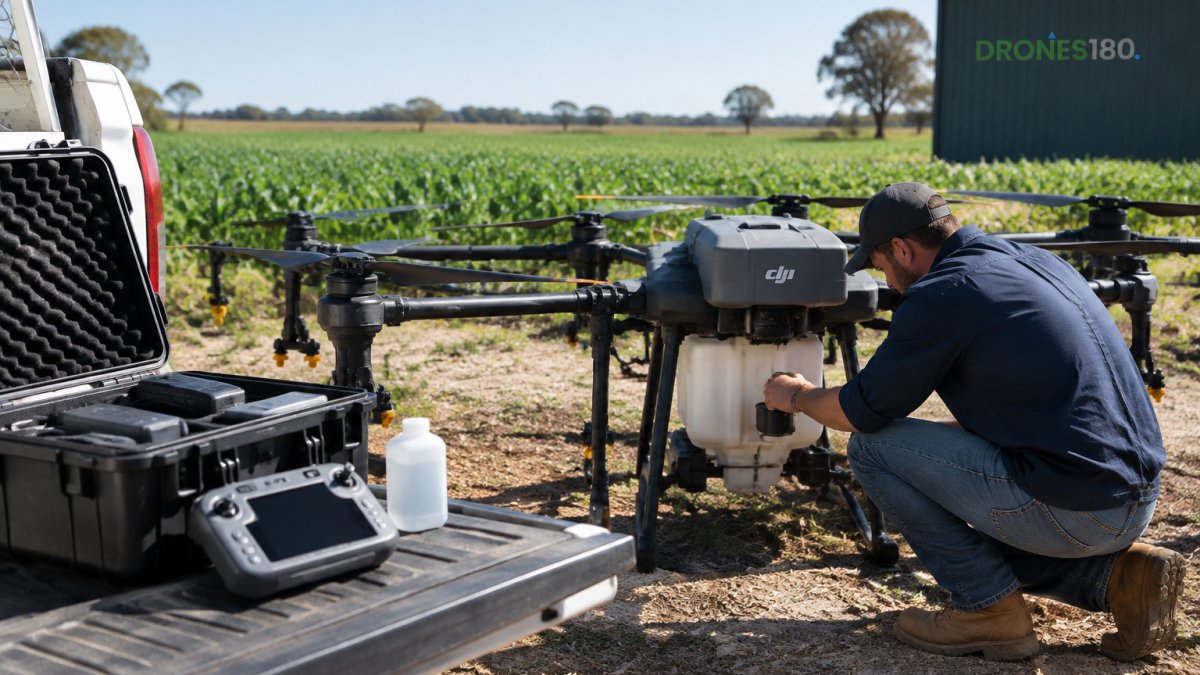
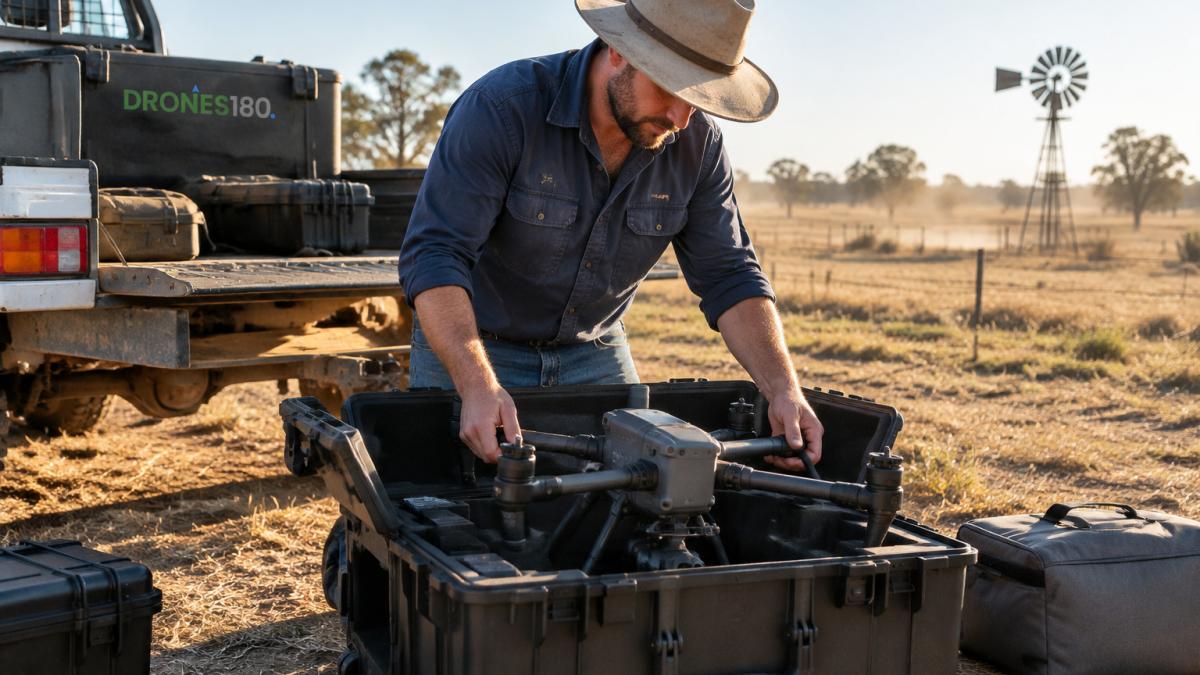
Unpack on flat, dry ground and check every part against the packing list. If you want to check whether the numbers add up for your operation, read DJI Enterprise drone pricing for your operation. Look for cracked propellers, loose arms and damaged batteries.
- Charge all batteries fully
- Update firmware via the official DJI app
- Register and activate the aircraft
- Fit propellers and check each spins freely
Watch out: Do not skip the firmware update. An out-of-date aircraft can behave differently from the manual.
Planning Your Paddock Flight, Step by Step
A good flight starts on paper, and that matters just as much in your dji enterprise drone setup for agriculture. Walk the paddock first and note fences, power lines, trees and water.
- Mark the area boundaries
- Pick a height clear of obstacles
- Plan straight, even flight lines
- Check the wind forecast
- Confirm the battery can finish with a safety margin
Best for: Paddocks with clear boundaries and few obstacles. Skip if: Tall trees or power lines you can't fly around safely.
The five planning steps are easier to scan at a glance, so here they are with the key limits.
| Step | What to do | Note |
|---|---|---|
| Mark the area boundaries | Walk the paddock and note fences, power lines, trees and water | Before any flight |
| Pick a height clear of obstacles | Choose a flight height above everything in the way | Keep it clear of obstacles |
| Plan straight, even flight lines | Set routes that run straight and even | Saves battery and keeps coverage even |
| Check the wind forecast | Confirm conditions before you launch | Check before every flight |
| Confirm the battery margin | Make sure the battery can finish the route | Leave a safety margin |
Pre-Flight Checklist and Looking After Your Drone
Run this checklist before every flight:
- Batteries charged and seated
- Propellers undamaged and tight
- Remote controller charged
- Route saved and checked
- Weather within safe limits
Clean the drone after each job, especially after spraying. Store batteries at a moderate temperature, away from direct sun. Keep manuals and servicing records in one place. If you need help with troubleshooting, parts or servicing, contact DRONES180 for support.
CASA guidance on operating drones for agricultural work
Get started with the setup steps in our getting started guide, then check your support hub for manuals and servicing help.
Frequently Asked Questions
How do you set up a DJI Enterprise drone for agricultural work?
Start by charging the batteries fully and updating the drone and controller firmware through the DJI Pilot app. Then register the drone and link your controller, set up the flight area and check the sensor and camera settings. Test the propellers, motors and gimbal on the ground before you take it out. Check the mapping software is installed on your tablet. If you are unsure at any step, DRONES180 can walk you through the setup.
How do you plan a drone flight over a paddock?
Mark the paddock boundary in your flight app, then set your flight height and image overlap so the photos stitch together cleanly. Plan the route in straight parallel lines and avoid power lines, trees and fences. Check the wind before you start and fly when conditions are calm. Keep the battery level in mind so you can finish the paddock on one set of batteries or plan a swap.
How often should you maintain an agricultural drone?
Inspect the propellers, arms and landing gear before every flight, and clean the sensors and camera lens after each day of spraying or dusty work. Check battery condition regularly and store batteries at a partial charge in a cool, dry place. Give the drone a full inspection and firmware check at regular intervals, and keep a simple log of flight hours and any repairs.
